
Companies who don’t want to use the automatic acquisition of fixed assets through purchase orders can rely on creating acquisition proposals. To avoid manually creating acquisition proposals, they can create a batch job with recurrence (e.g. once every week the system will run the acquisition proposal batch job). Users can then check and control the created journal and if everything is OK, they can post it.
But – up untill D365 v10.45 – if an acquisition proposal journal that was created via a recurring batch job is deleted, the next time the batch job runs it may fail with an error:

In other words, the recurrence batch job for creating acquisition proposals fails with an error in batch tasks if the journal created by a previous run is manually deleted.
Starting with D365 v10.46, a validation has been added to detect missing journals and handle the error gracefully, ensuring the batch job continues to run without interruption.
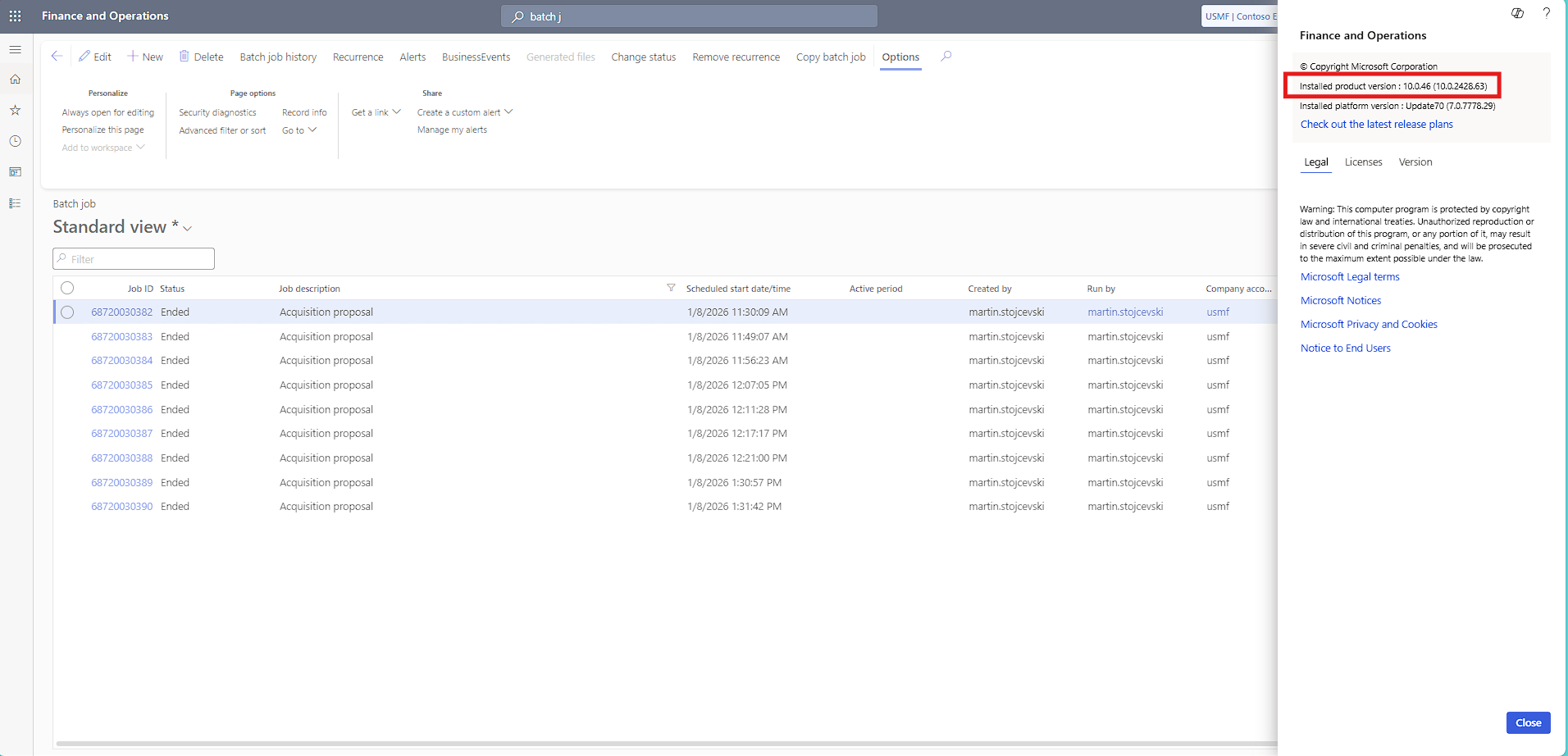
This feature/validation is on by default, and no setup is required.